Supplier Accounts - Notes
Supplier Accounts - Notes
This section displays the text of any notes previously entered. Any information entered here is additional information to that entered in any of the previous sections.
-
New Note: By selecting the Notes tab you can add a note for that supplier. You can also select the option to have this note displayed as a reminder each time you select this supplier in a purchase transaction. The note will be assigned today's date and will be available for viewing or reporting with the other transactional data for that supplier.
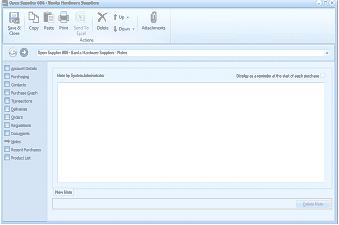
The supplier account window showing the Notes tab. The left sidebar shows navigation tabs including Account Details, Purchasing, Contacts, Purchase Graph, Transactions, Orders, Deliveries, Requisitions, Documents, Recent Purchases, Product List, and Notes (area visible). The main area displays a "Notes" section with a header "Note by System Administrator" and a checkbox option to "Display as a reminder at the start of each purchase". Below is a large text area for entering notes. At the bottom is a "New Note" text field with date fields, and a "Delete Note" button at the bottom right.
Notes section of supplier account